
Leads and automotive CRM
Answer every inquiry with context and a next action.
Capture lead sources, notes, follow-up dates, consent, customers, vehicles, and communication history in one tenant-safe CRM.
Connected workspace
Leads and automotive CRM
- Capture website and manual leads
- Search customers by contact details, plate, or VIN
- Import and export customer and vehicle records
- Carry notes and consent into the job workflow
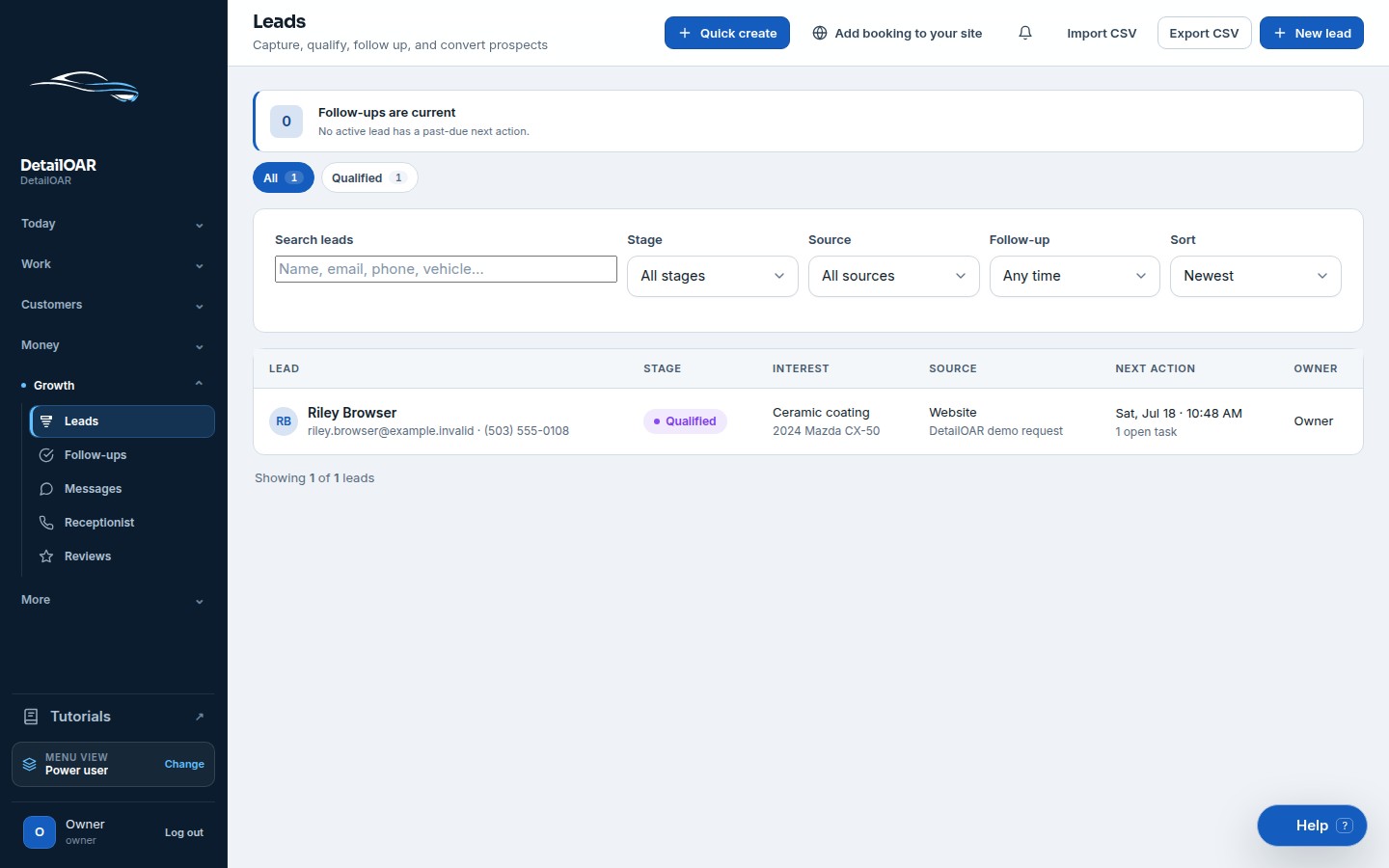
What the team can do
Keep the workflow explicit.
Every action is attached to the workspace, responsible user, customer, vehicle, job, or financial record that gives it meaning.
- 1
Capture website and manual leads
- 2
Search customers by contact details, plate, or VIN
- 3
Import and export customer and vehicle records
- 4
Carry notes and consent into the job workflow
Configure leads and automotive crm step by step.
The software guide uses the current interface labels and links directly to the relevant workspace screen.
Open the guide