
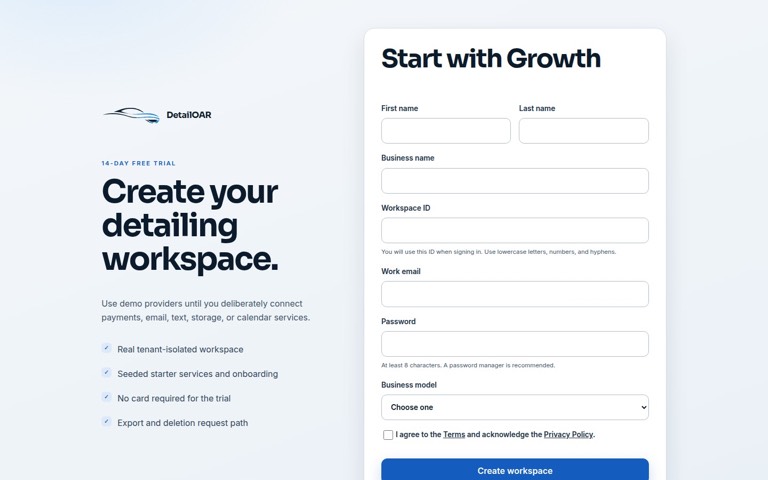
 Software helpCreate Your Account and Business WorkspaceSpin up a tenant-isolated workspace, pick the right plan and business model, sign in, and confirm the owner session before any customer data goes in.
DetailOAR product help
DetailOAR software field guides
Exact interface labels, seeded screenshots, expected results, and troubleshooting for every working feature.
Start workspace setup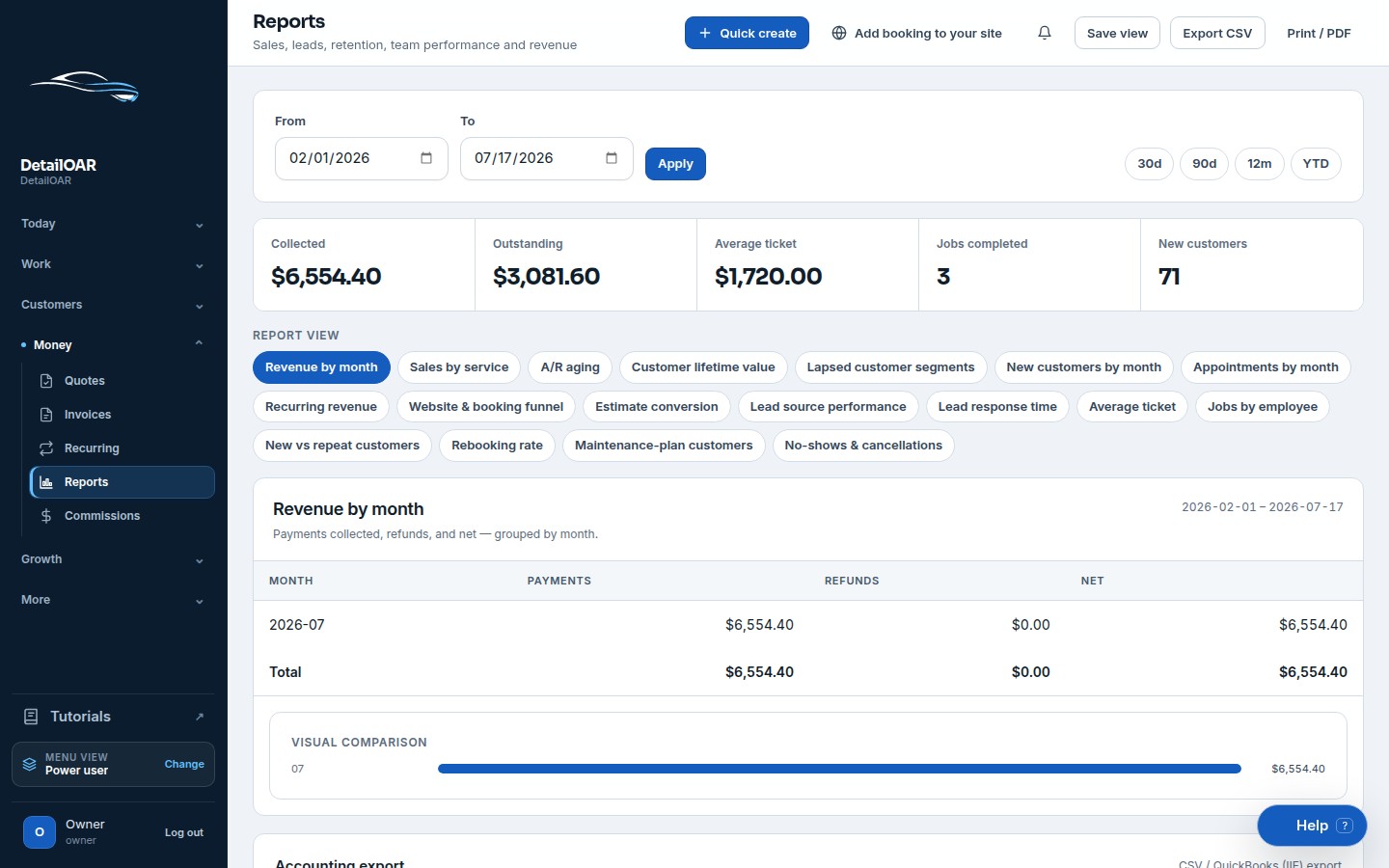
14 guides
Practical answers
Choose the next job to do.
Every guide is complete, ungated, and written to finish with a usable result.
Software helpCreate Your Account and Business WorkspaceSpin up a tenant-isolated workspace, pick the right plan and business model, sign in, and confirm the owner session before any customer data goes in.
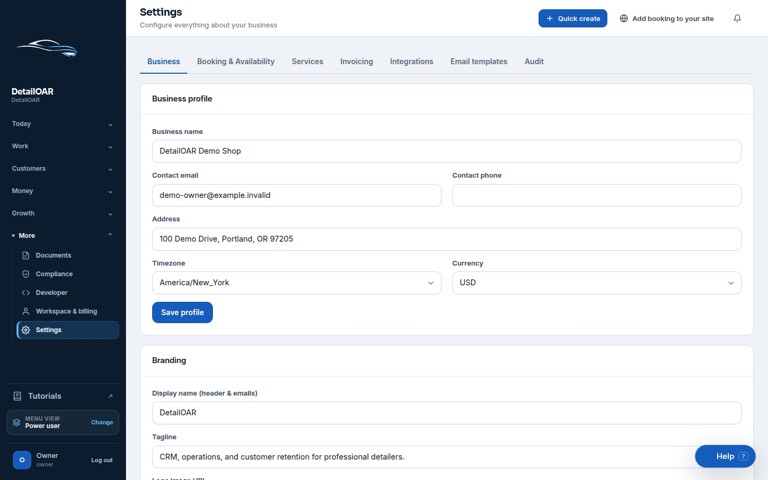 Software helpAdd Your Logo, Contact Details, Hours, and Service AreaFill in the public business profile and branding, then set weekly availability, exceptions, arrival rules, and your mobile service boundaries.
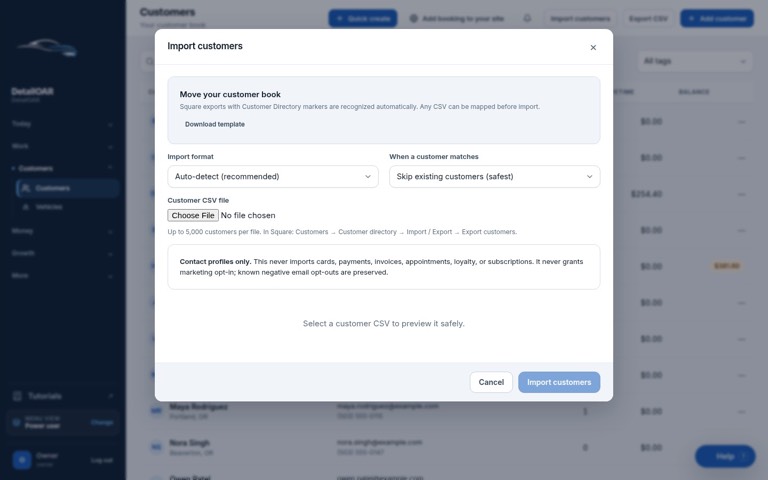 Software helpImport Existing Customers and Vehicle RecordsPrep, preview, dedupe, import, verify, and export customer and vehicle data — without any of it landing in the wrong workspace.
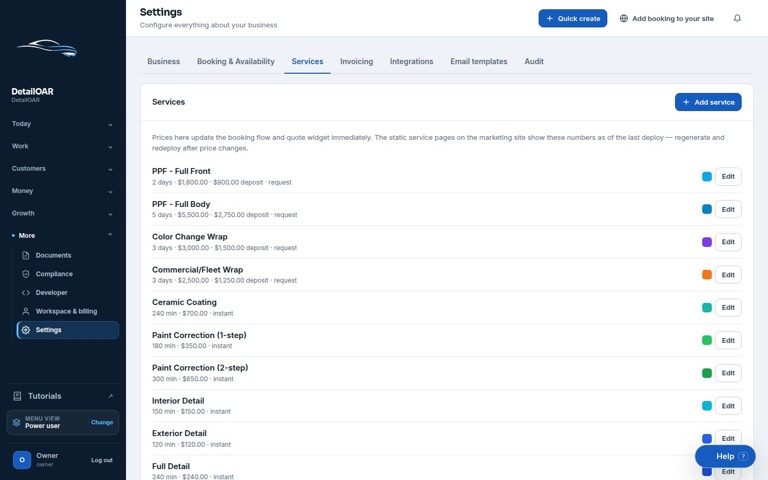 Software helpCreate Services, Packages, Add-Ons, and Vehicle-Size PricingBuild out sellable services with durations, booking behavior, deposits, size prices, invoice presets, and package/add-on conventions everyone can follow.
 Software helpConfigure Taxes, Discounts, Deposits, and Cancellation RulesSet invoice defaults and customer policies without pretending jurisdiction-specific tax or enforceability questions have one universal answer.
 Software helpSet Up Online Booking, Availability, Travel Time, and Service AreasPut a tested booking flow live, with service modes, capacity, multi-day bays, lead time, travel buffers, blackouts, and confirmation behavior you trust.
 Software helpConnect Payments and Send Your First InvoicePick demo mode, Stripe Connect, direct Stripe keys, or external payment recording — then create, send, collect, and reconcile your first invoice.
 Software helpConfigure the Lead Pipeline and Lead SourcesSet up lead stages and sources, capture consent and next actions, weed out duplicate inquiries, and test converting a lead into a customer, vehicle, estimate, and job.
 Software helpCreate Automated Text and Email MessagesSet up providers, consent, templates, quiet-hour rules, previews, test sends, logs, reminders, follow-ups, and opt-outs — without one accidental send.
 Software helpAdd Employees, Roles, Schedules, and PermissionsGive people separate dashboard and field identities, hand out the least privilege, issue rotatable technician links, and verify what each role can read and change.
 Software helpComplete a Vehicle Inspection and Upload Before-and-After PhotosOpen your assigned job, record existing condition, capture consistent private media, get the acknowledgment, work the checklist, and organize finished-work photos.
 Software helpCreate Recurring Maintenance PlansBuild a clear recurring service template, enroll the right customer and vehicle, test due-cycle generation, and handle pause, resume, or cancellation cleanly.
Learning paths
Follow the manual in order.
Each path keeps the sequence clear and remembers where you stopped.
 Software helpConfigure Review Requests and Customer ReactivationSet an honest review destination and timing, test delivery with no rating gates, decide which lapsed customers qualify, and run consent-aware reactivation.
 Software helpRead Reports, Connect Integrations, and Troubleshoot Common ProblemsRun date filters, read business metrics without overclaiming causation, export rows, set up optional adapters, and chase down problems in a safe order.
No guide matches that search.
Try the outcome you need, or clear the filters.