
Reporting and business visibility
See the work, money, and patterns behind the calendar.
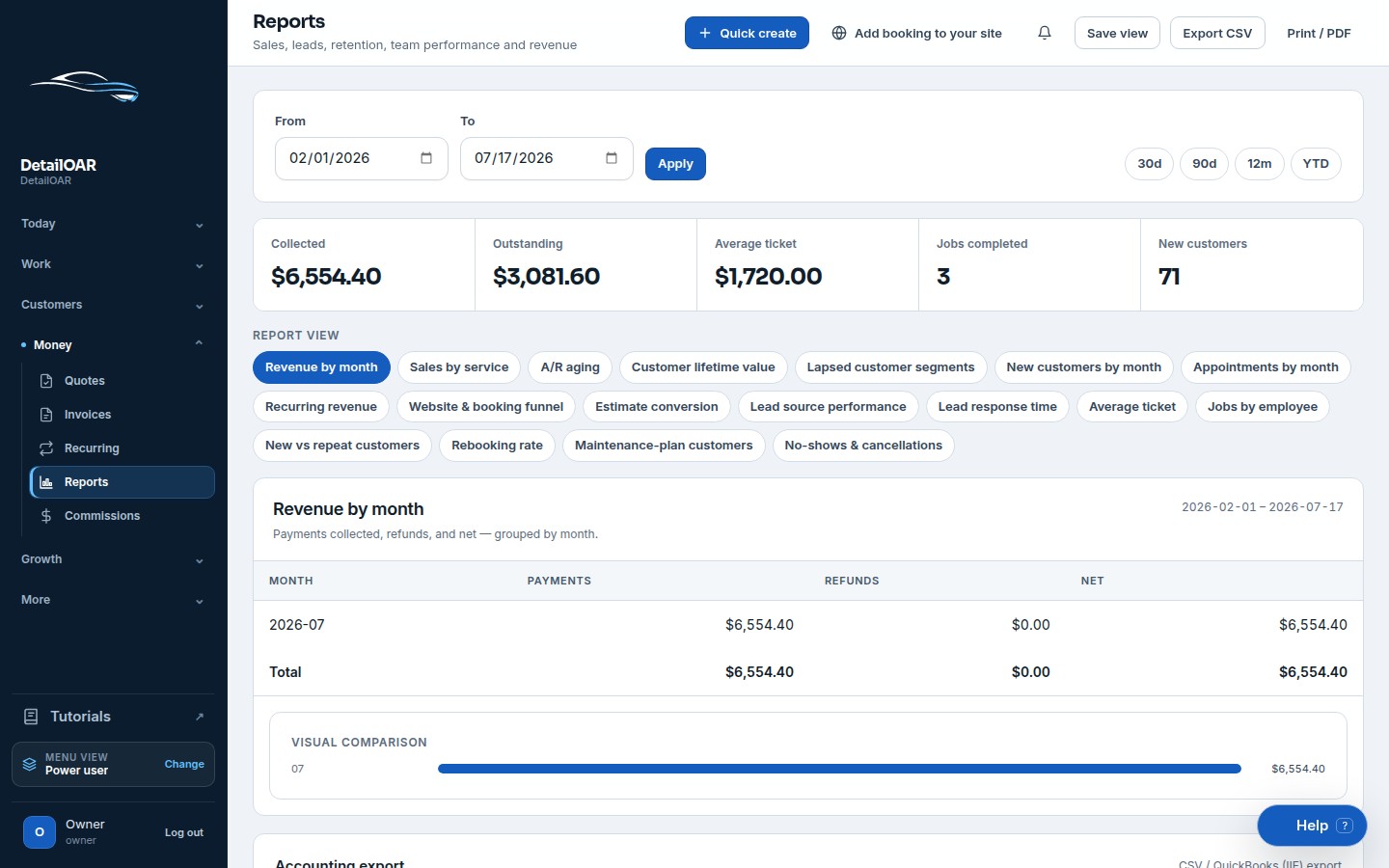
Use date-filtered, exportable reporting for revenue, receivables, services, plans, teams, and lead performance.
Connected workspace
Reporting and business visibility
- Collected versus outstanding balances
- Average ticket and estimate conversion
- Service, employee, repeat, and plan views
- CSV exports with honest empty/loading states
What the team can do
Keep the workflow explicit.
Every action is attached to the workspace, responsible user, customer, vehicle, job, or financial record that gives it meaning.
- 1
Collected versus outstanding balances
- 2
Average ticket and estimate conversion
- 3
Service, employee, repeat, and plan views
- 4
CSV exports with honest empty/loading states
Configure reporting and business visibility step by step.
The software guide uses the current interface labels and links directly to the relevant workspace screen.
Open the guide